Clowns. Guns. One atomic bomb.
Out on October 31, 2026 · Windows and Linux
Clowns. Guns. One atomic bomb.
Out on October 31, 2026 · Windows and Linux
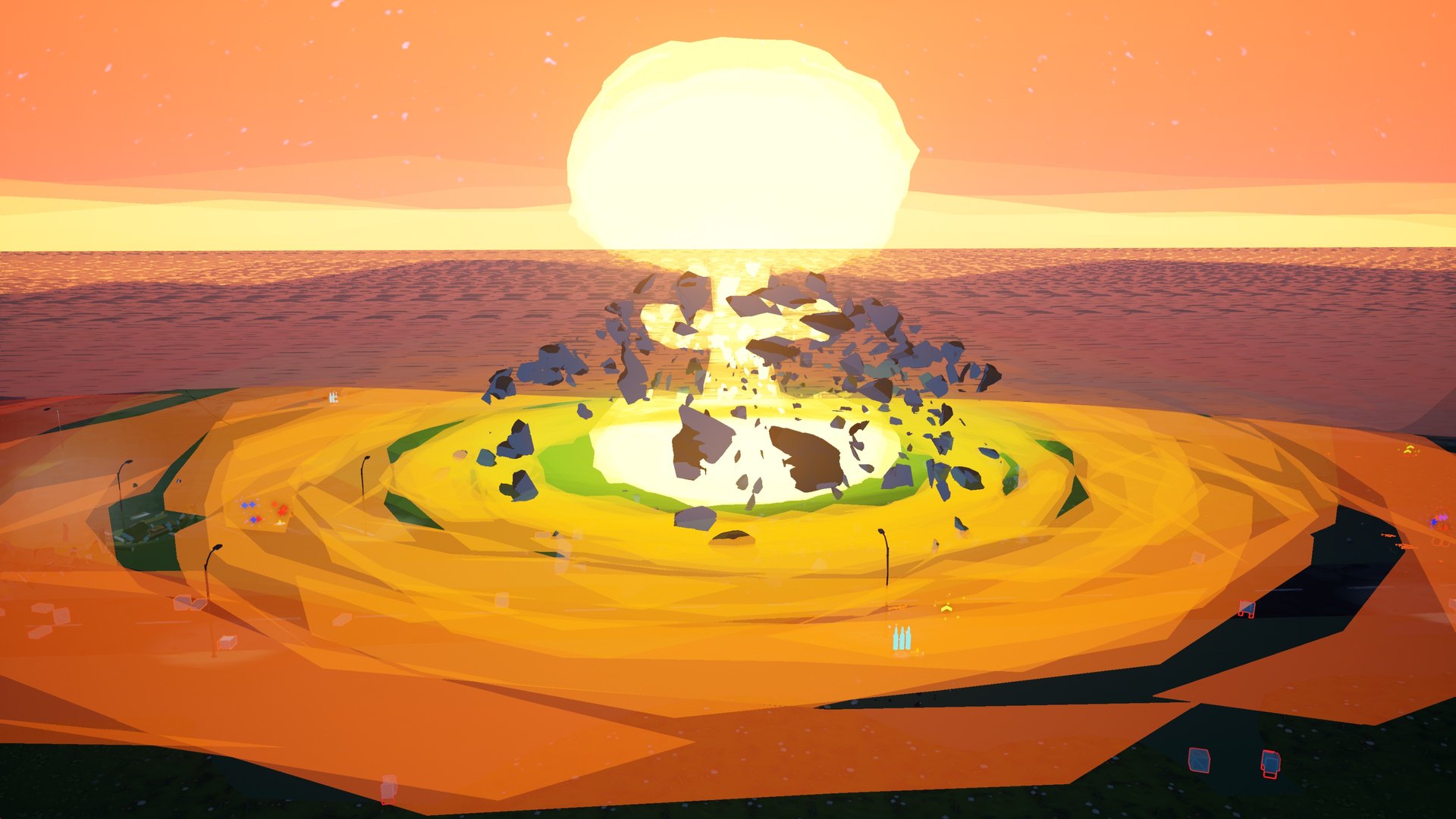
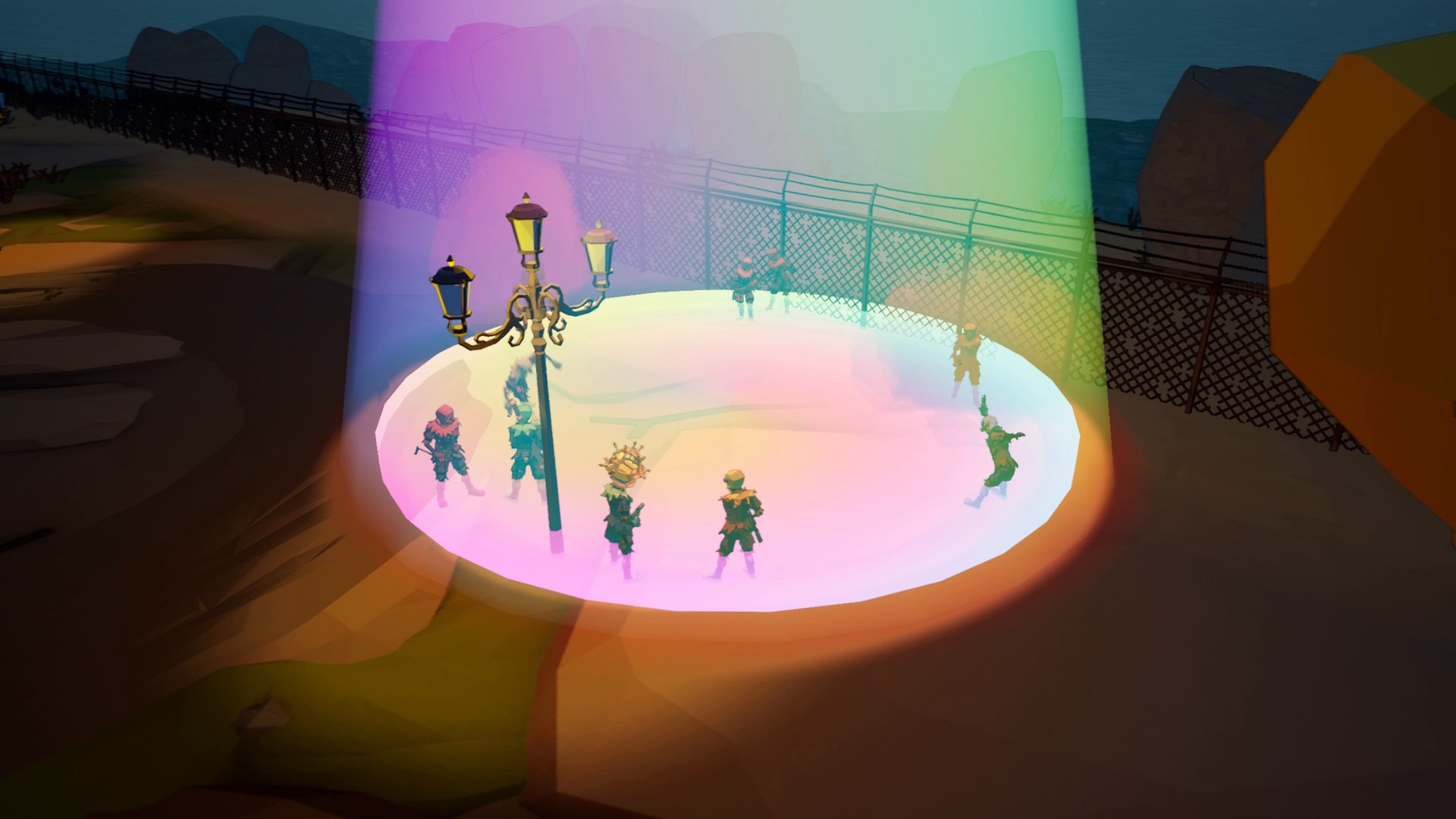
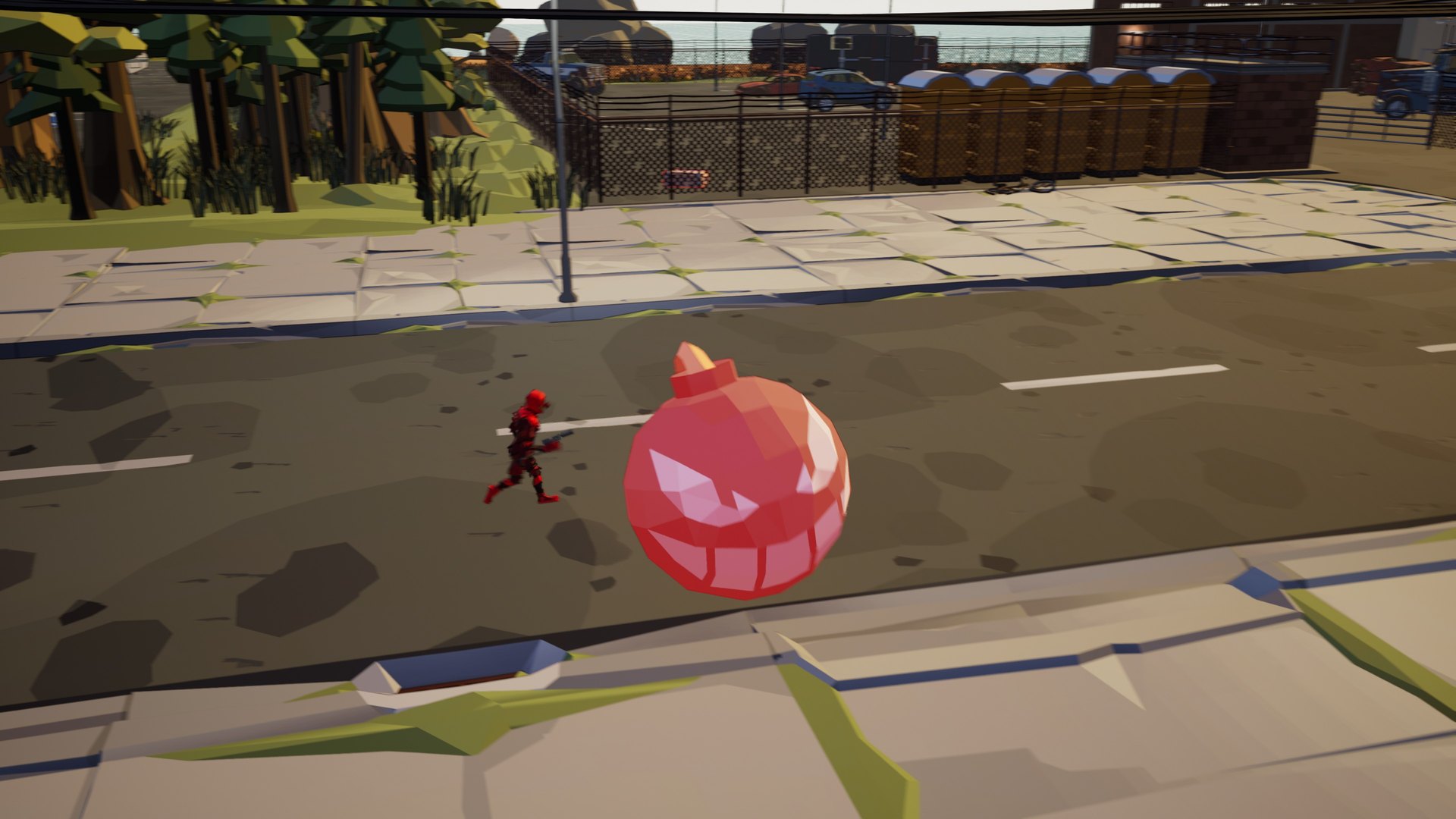
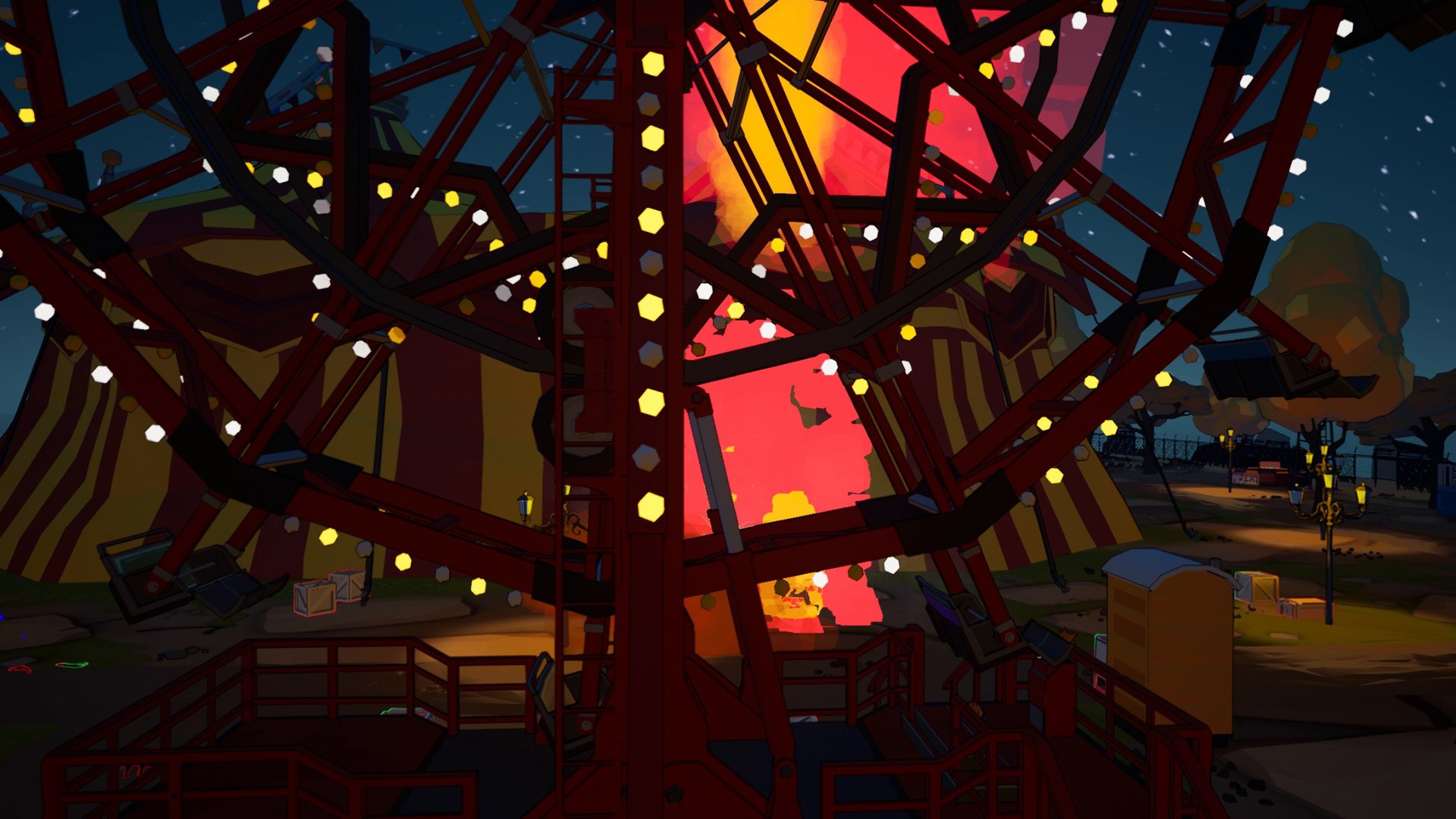
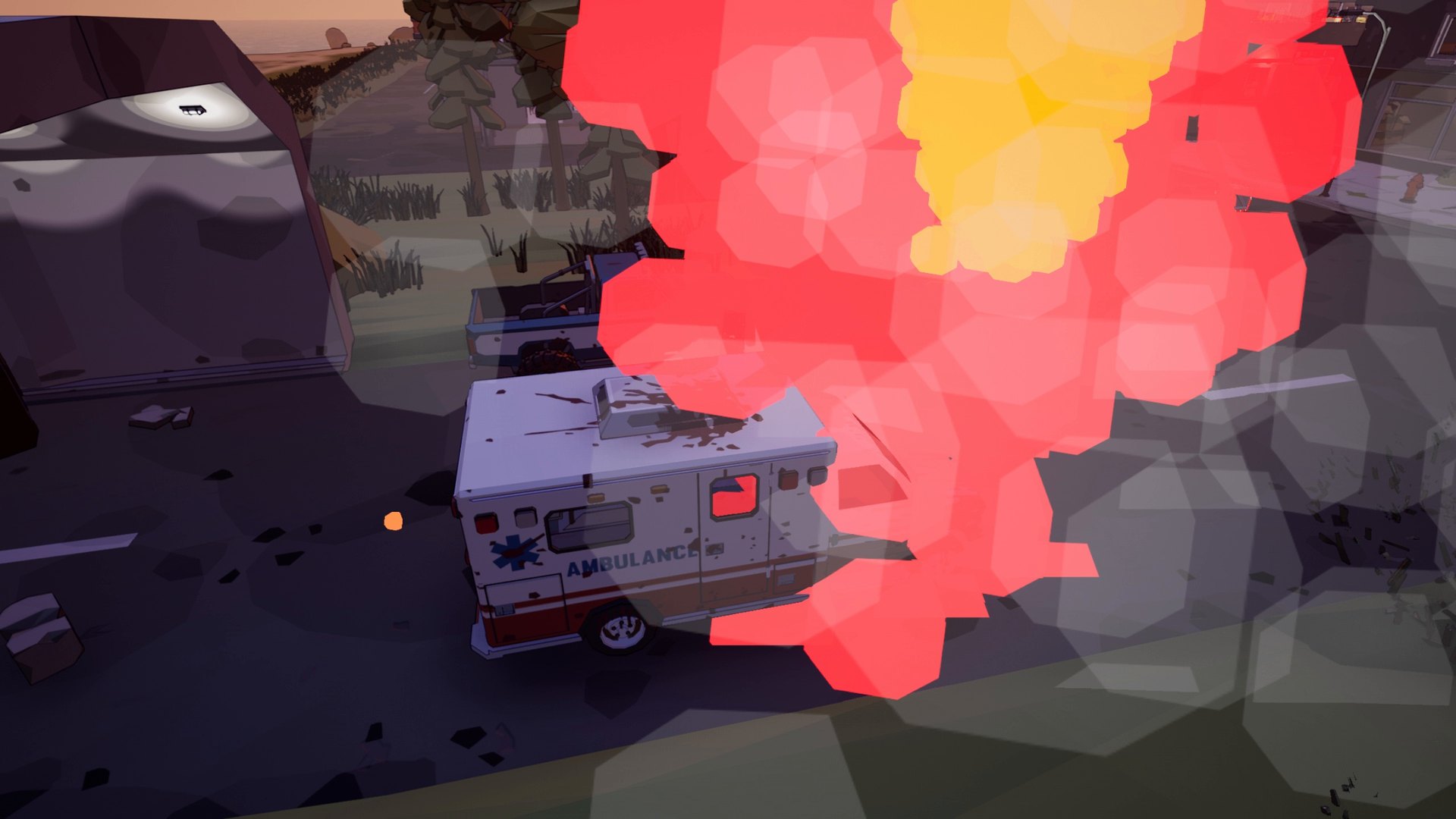
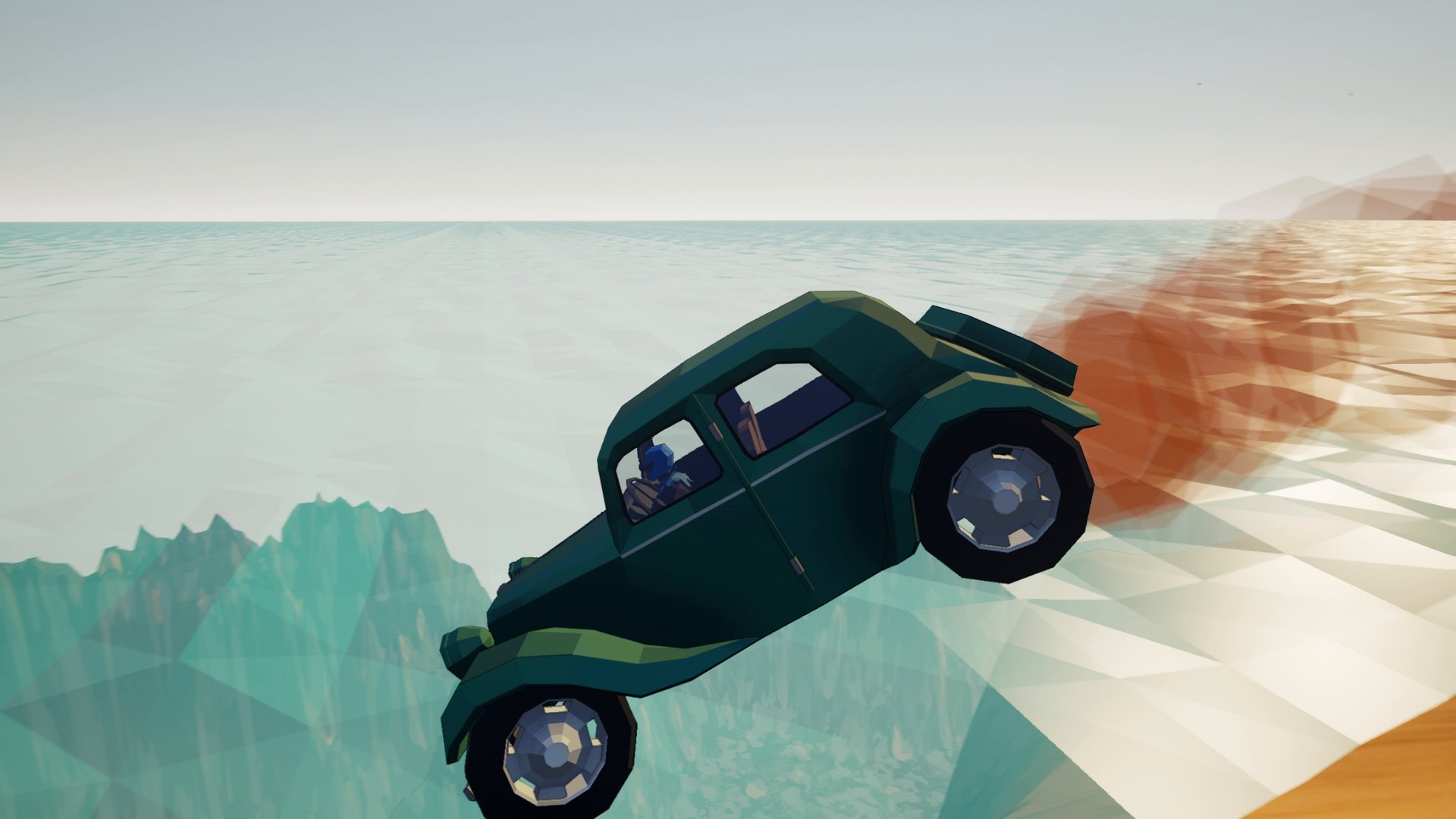
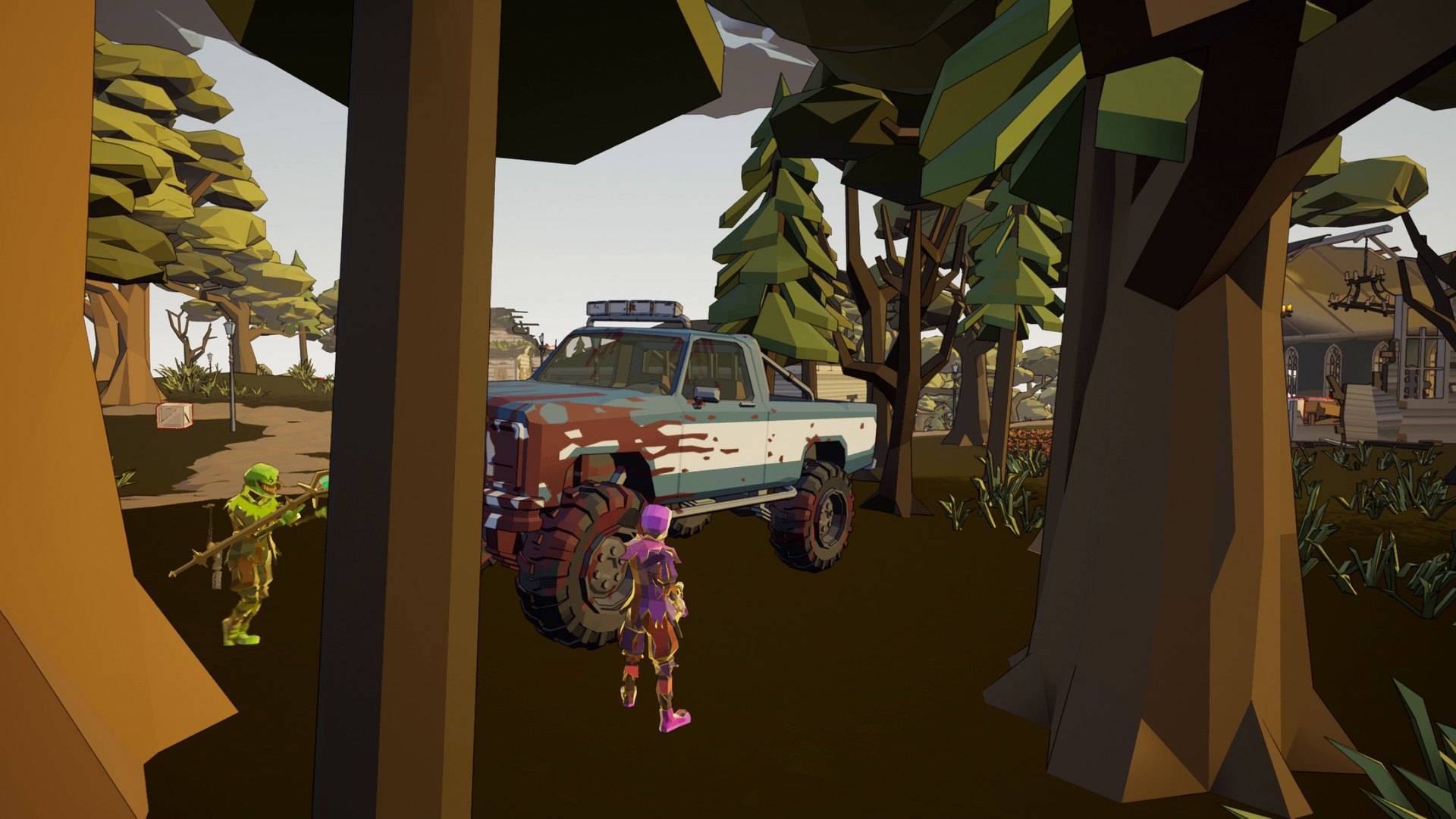
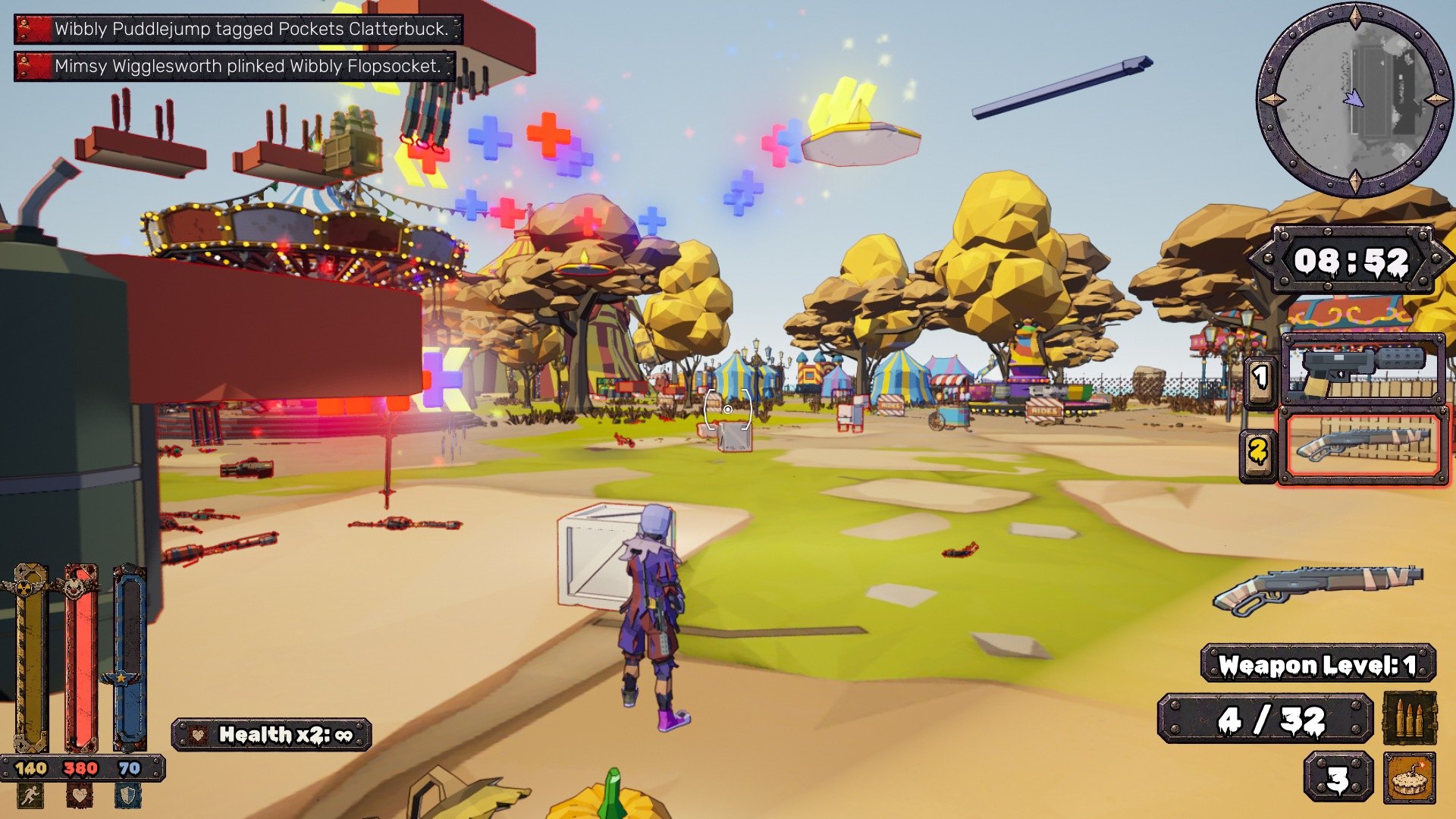
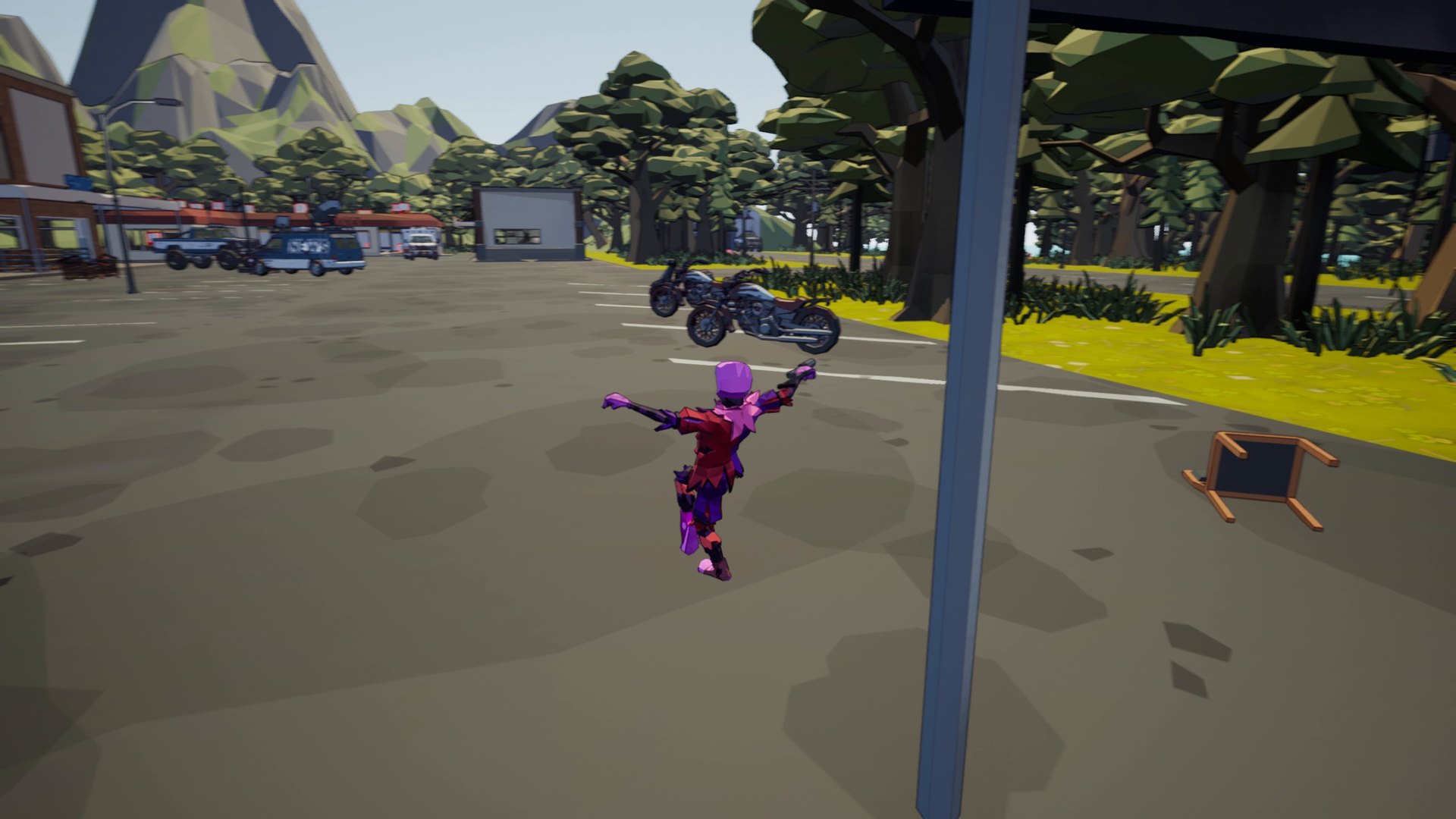
Ballerspiel is a fast, loud, colorful first- and third-person shooter in a comic look. Up to 64 players - plus up to 64 bots - fight across eight maps with pistols, shotguns, rocket launchers, a flamethrower, a shrink ray and, yes, an atomic bomb. Walls crumble, cars explode, and somewhere a clown is breakdancing in the rubble.
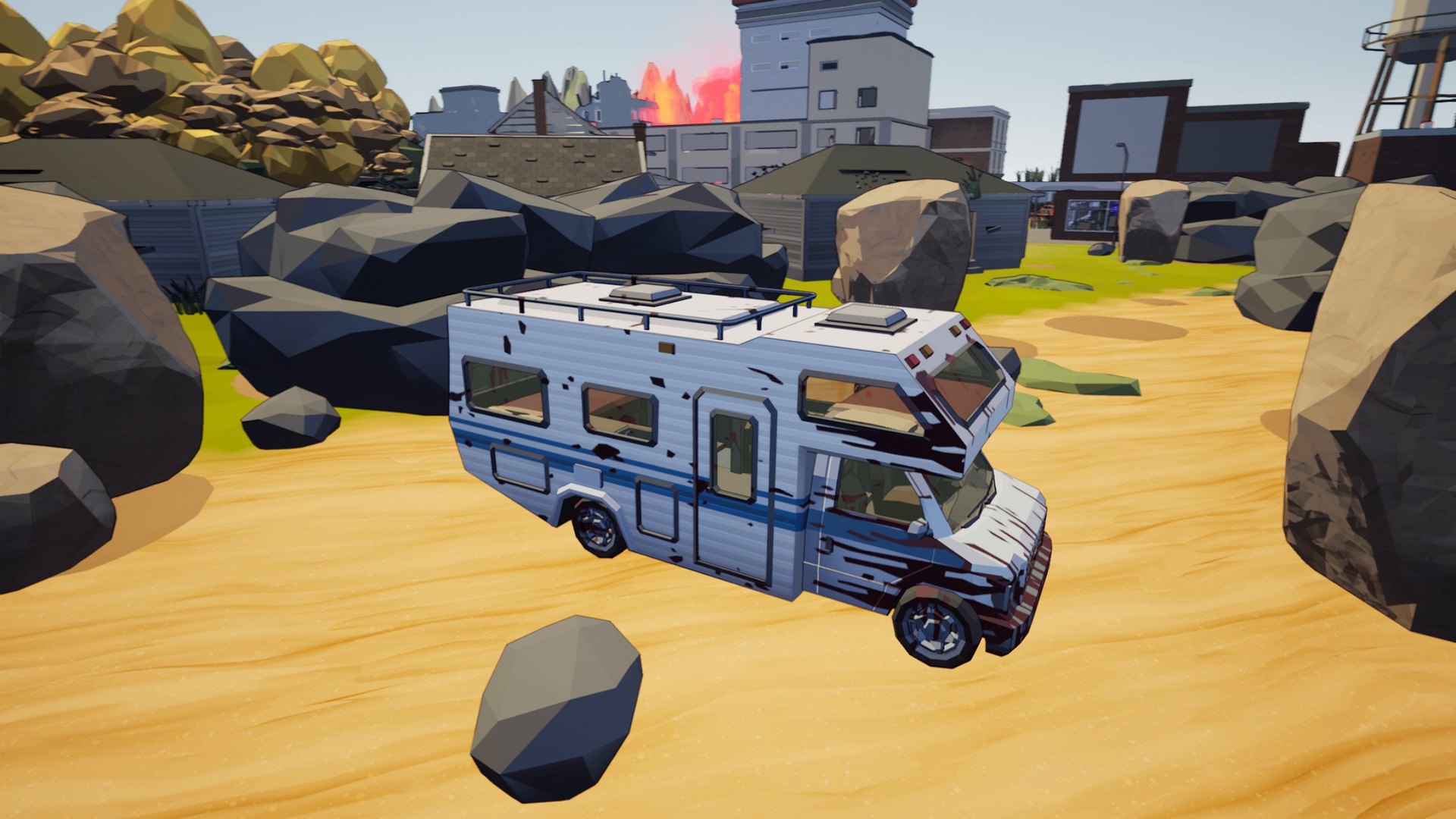
Almost everything in Ballerspiel can be shot to pieces: fences, trees, barrels, furniture, walls. Bullets leave holes, explosions tear things apart - and only the atomic bomb is big enough to flatten whole houses, leaving a radioactive cloud behind.
Morning, noon, afternoon, evening, night - and apocalypse. Clear, cloudy, fog or rain. Every map can be played in any of them.
Every weapon has its own skill level, and so do your health, armor, grenades and movement. Each level adds a little more precision, damage and blast radius. The server you play on remembers your levels.
Kill streaks are announced (in English or German), the leader wears a crown, and every clown can fart on command. One-time purchase - updates are free, and there are no in-game purchases.
Find a match in the server browser, play on our official dedicated servers, or host a game from the menu.
Steam and Epic Games Store players play together – on our servers and in games hosted by either side.
Run a dedicated server for your community on Windows or Linux, with your own map rotation, admins, bans and mutes. Players join it by its address. The server page explains every setting.
LAN play works without any internet connection. If the LAN list stays empty, connect directly by IP – and allow the game in your firewall; some Wi-Fi networks isolate clients from each other.
Up to 64 bots with names, levels and a memory. They drive, fight for the flag and clown around.
Windows and Linux on Steam, Windows in the Epic Games Store. Console versions are planned.
Yes. Crossplay works on our official servers and in games hosted by players from either store.
Both: press P to switch between first-person and over-the-shoulder view at any time.
Only for online play. LAN works without internet, and you can always play offline against bots.
Up to 64 players per server or self-hosted game, plus up to 64 bots. Bots do not take player slots.
A gamepad is supported. Menus and chat are easiest with keyboard and mouse.
Not verified yet.
The interface is translated into 34 languages. The announcer speaks English or German.
No. It is a one-time purchase and updates are free.
At least an AMD Ryzen 7 3750H or comparable, 8 GB RAM and a GeForce GTX 1650 (4 GB) or comparable, on the lowest settings, plus 20 GB of disk space. The Steam page lists the details.